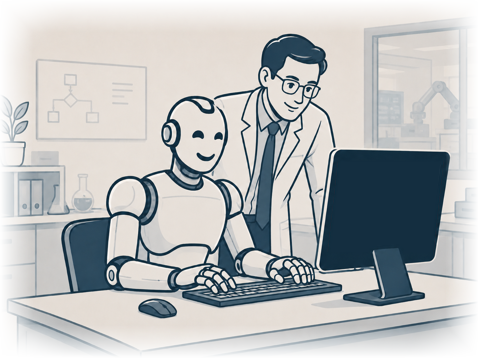
 Humans in the Loop:
You Stay in Control
Some Tasks may only suggest what should happen. Some may draft work for approval. Some may run automatically after they have been reviewed and trusted. Sensitive actions can require approval before ZWorker proceeds. For example, ZWorker can be configured to require approval before sending an email, contacting a customer, changing business records, deleting data, spending money, connecting a new system, or running a new Task for the first time. You decide where ZWorker can act on its own and where it must stop and ask.
Error Handling and Escalation
Business automation must handle problems. If a Step fails, ZWorker can retry, stop, follow a fallback path, ask a user for more information, escalate to a manager or consultant, log the issue, or wait for manual correction.
Failures are not hidden. They become part of the Task history so they can be reviewed and fixed.
Audit Trail and Task History
ZWorker records what it does. When a Task runs, ZWorker keeps a history of what started it, which Steps ran, which systems were used, what information was found, what decisions were made, what approvals were requested, what files were created, what errors occurred, and whether the Task completed successfully.
This gives you a way to inspect the work instead of guessing what happened.
Secure Credentials
When ZWorker connects to other systems, it may need access credentials such as API keys, passwords, or tokens. These are handled separately from ordinary chat and memory.
ZWorker does not display raw credentials in conversations. Instead, it uses controlled Tools that can access authorized systems that only decrypt them when used, without exposing secret values to ordinary users or upstream service providers.
This allows ZWorker to connect to business systems while keeping credential access restricted and auditable.
What ZWorker Gives You
ZWorker gives your business an AI Team Member that can understand your company, remember useful context, connect to your systems, create repeatable Tasks, process files and email, use a working database, follow approval rules, keep an audit trail, and report outcomes.
The goal is practical: reduce repetitive work, improve follow-through, help staff stay organized, and give small businesses access to AI automation without forcing them to build it themselves.